Description
Product Description
For Online Teaching&Working and Web Conference Use:
- Huion tablets are well compatible with office software like Microsoft Office Word, Excel, PowerPoint. It is ideal for online teaching, remote work, web conference, presentation, and so on.
Important Notices:
1. Kindly note that Kamvas 13 is NOT a standalone product. It needs to be connected to a computer/laptop to work.
2. Connection Tips:
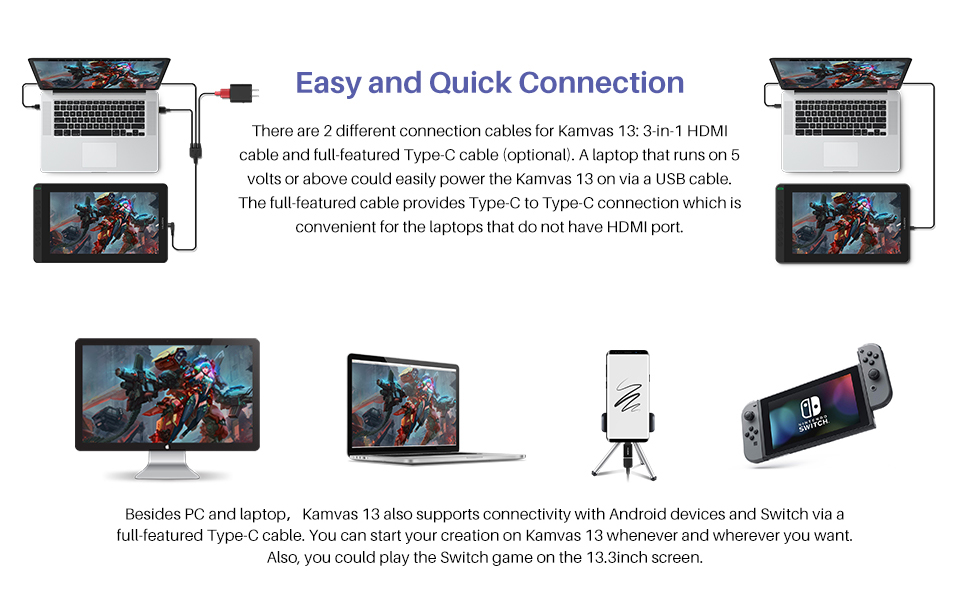
- The Kamvas 13 is coming with 2 UB-C ports, which support both a 3-in-1 USB-C connection(HDMI Signal) and a full-featured Type-C connection (DP Signal).
- USB-C on the device should at least support USB3.1 GEN1 data transfer protocol and DP 1.2. Huion full-featured cable could work for Kamvas 13.
1) For the 3-in-1 USB-C cable,
- your computer needs to have HDMI and USB ports available for the connection, if not, you need an adapter to convert for the connection. Please be assured the USB cable & HDMI cable securely plug into your computer.
- No need for a power adapter anymore. The 3in1 cable supports a 5V 2A charger, Any universal mobile charger can be used for power supply.
2) For the full-featured Type-C cable,
- It is not included in the package content. It needs to be ordered separately. If you need it, please ask us for further information.
- supports Type-C to Type-C connection to power Kamvas 13. No need to have an HDMI port or HDMI adapter.
- The type-c port of your PC or phone needs to support USB3.1 GEN1 and DP 1.
3) Connection with Android devices,
- A full-featured Type-C cable is needed if you want to connect Kamvas 13 with Android devices.
- The extra power supply is needed underconnectivity with the Android device.
- Android devices should support desktop operating systems for PC mode or DEX mode.
- List of Compatible Android Devices:
Samsung Galaxy Note 8/9/10/10+/10+ 5G, Galaxy Note 10/20/10+/10+ 5G/20 Ultra 5G, Samsung Galaxy S8/S8+/S9/S9+/S10/S10+/10e/S20 5G/S20+ 5G/S20 Ultra 5G, Galaxy S21 5G/S21+ 5G/S21 Ultra 5G/Z Fold/Galaxy Z Fold 2/A90 5G, Samsung Tab S4/S5e/S6/S7/S7+, Huawei P20/P30/P40, P20 Pro/P20 RS/P30 Pro/P40 Pro/P40 Pro Plus, Huawei Mate Serials.
3. Driver Installation Tips:
- Huion driver will be regularly updated, so please go to Huion official web to download the newest driver, and install it on your computer.
- Before installation, please uninstall Other Brand’s Driver and reboot your computer. And please close all drawing program when installing the driver.
- For Mac Mojave (10.14) Users, please Add the “TabletDriverAgent” into the whitelist first after installing the driver on your computer.
- Please be sure that Huion driver is compatible with the newest Mac OS 10.15 Catalina.
4. Huion PenTech 3.0
- adpots Capacitive Pressure Sensor and stable pen nibs to provide real pen-writing feeling.
5. Huion Tech Support
If you have any problems, please check the Quick Guide and search Huion online to find a way for further assistance!

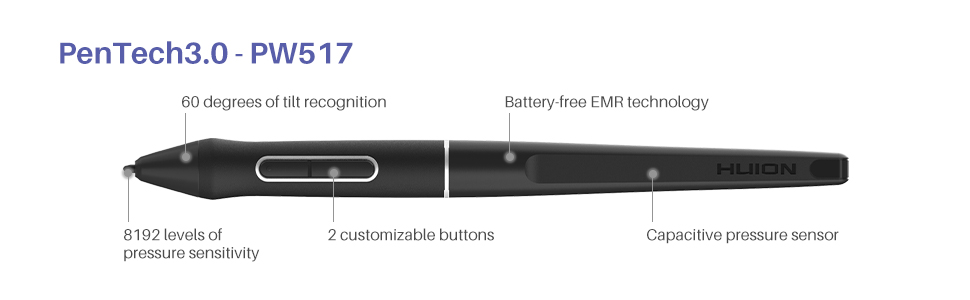
PenTech 3.0-PW517
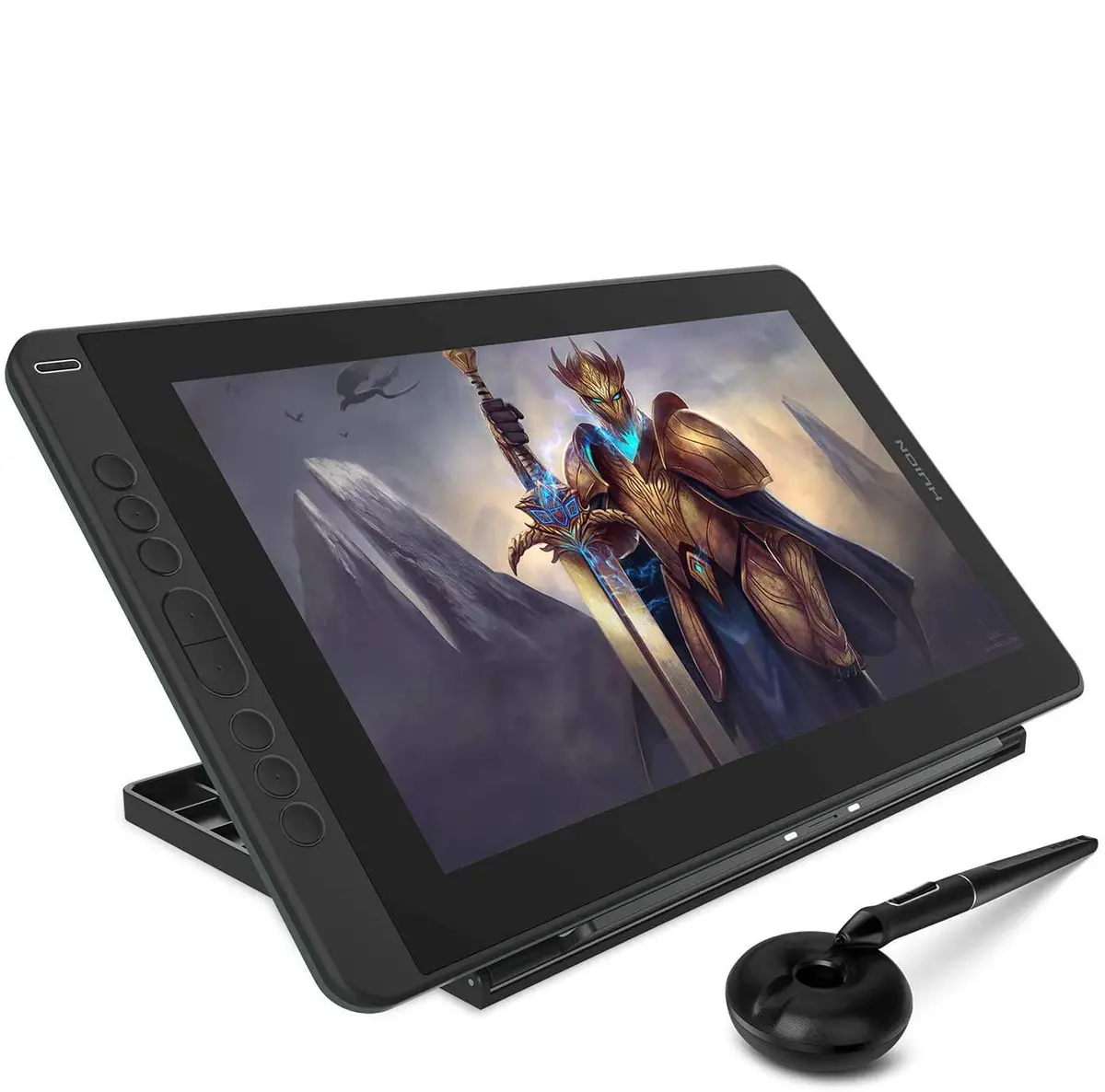
- Kamvas 13 is equipped with the latest digital pen-PW517. It adopts the Huion PenTech 3.0, which enables pressure applied to be captured sensitively and lines input to be rendered in a more organic way. Battery-free pen PW517 is optimized with a highly sensitive and stable pen nib to ensure a more lifelike drawing experience as you’re using a regular ballpoint pen.
|
|
|
|
|
|---|---|---|---|
Convenient Express KeysKamvas 13 features 8 fully customized shortcut keys to bring more user-defined options at your fingertips, optimizing your workflow and improving efficiency. And only 10mm in thickness, it is also easy to carry out. |
Adjustable Stand IncludedKamvas 13 is coming with an adjustable stand ST300, which could be be moved between 20 and 60 degrees, helping you get into the most comfortable position to work in and offering you the best viewing angle for drawing and typing. |
Excellent Compatibility
|
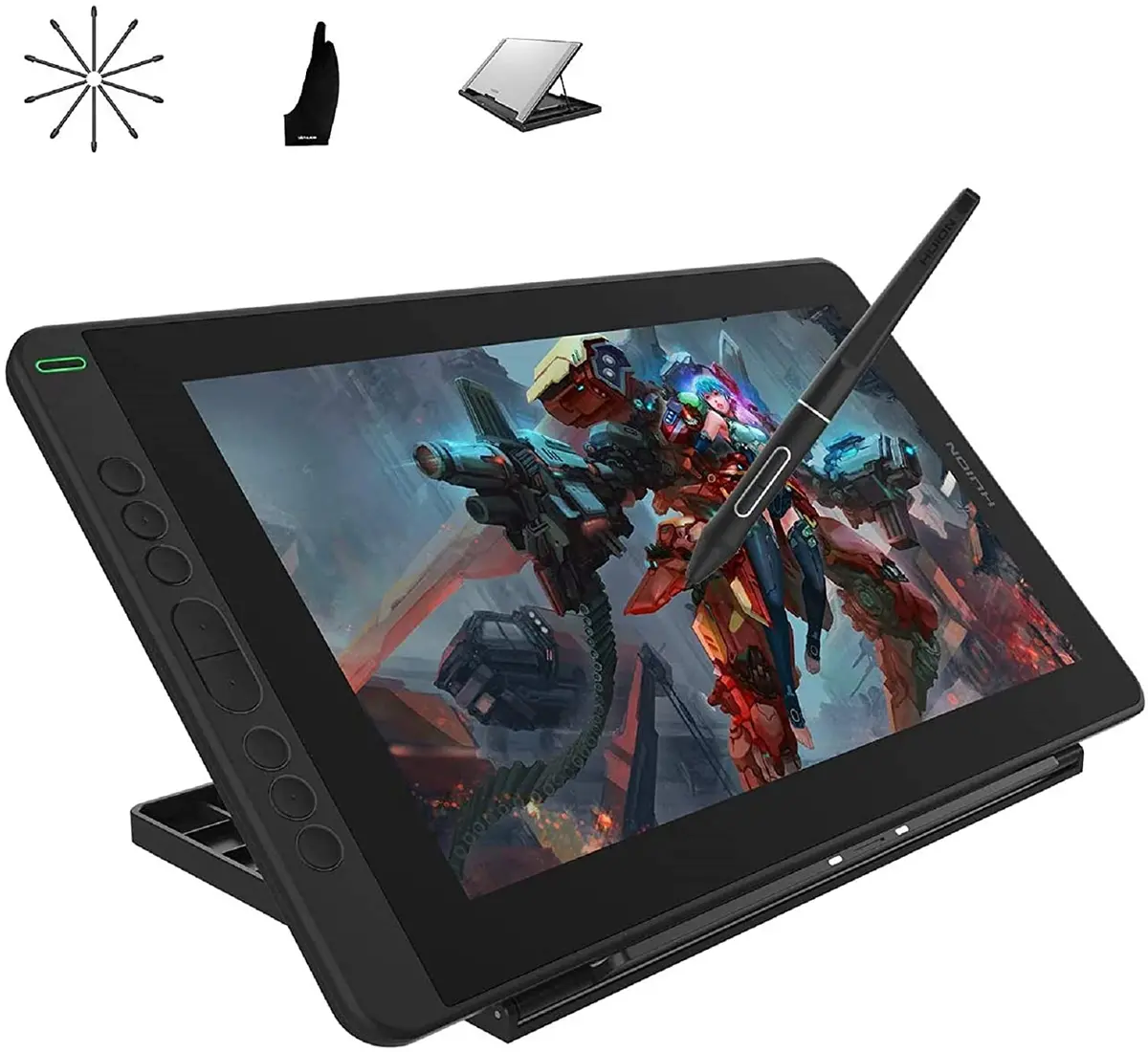
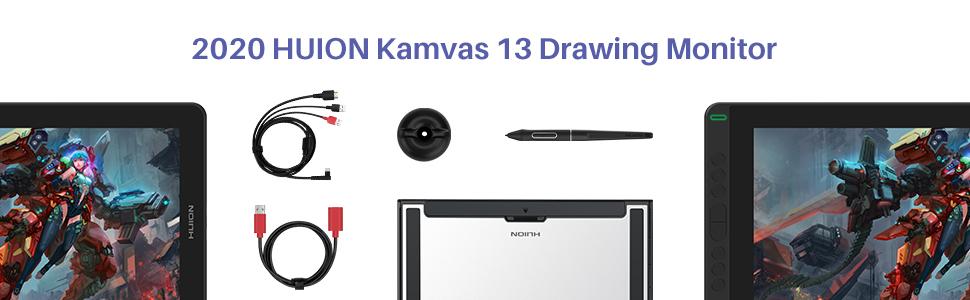
Package Content1x Kamvas 13 Pen Display, 1x Battery-free Pen PW517, 1x 3-in-1 Cable, 1x USB Extension Cable, 1xPen Holder PH05, 1x Pen Nib Clip, 10x Pen Nibs, 1x Glove, 1x Cleaning Cloth, 1x Quick Start Guide, 1x Stand ST300 |


Explore more from our collection.
Reviews
There are no reviews yet.